Music requests parents can actually review
HappyTracks
HappyTracks adds a quiet approval layer to Spotify: kids request music, parents review it, and approved tracks land in a shared playlist. Playback stays in Spotify.
Playback
Always in Spotify
Content flow
Music requests only
Access
Official Spotify OAuth
A clear path from request to playlist
HappyTracks keeps the decision in one place, so a song request does not turn into another family negotiation.
Kids search for songs
Children use a focused search surface for music tracks. Podcasts and videos are outside the request flow.
Parents review the queue
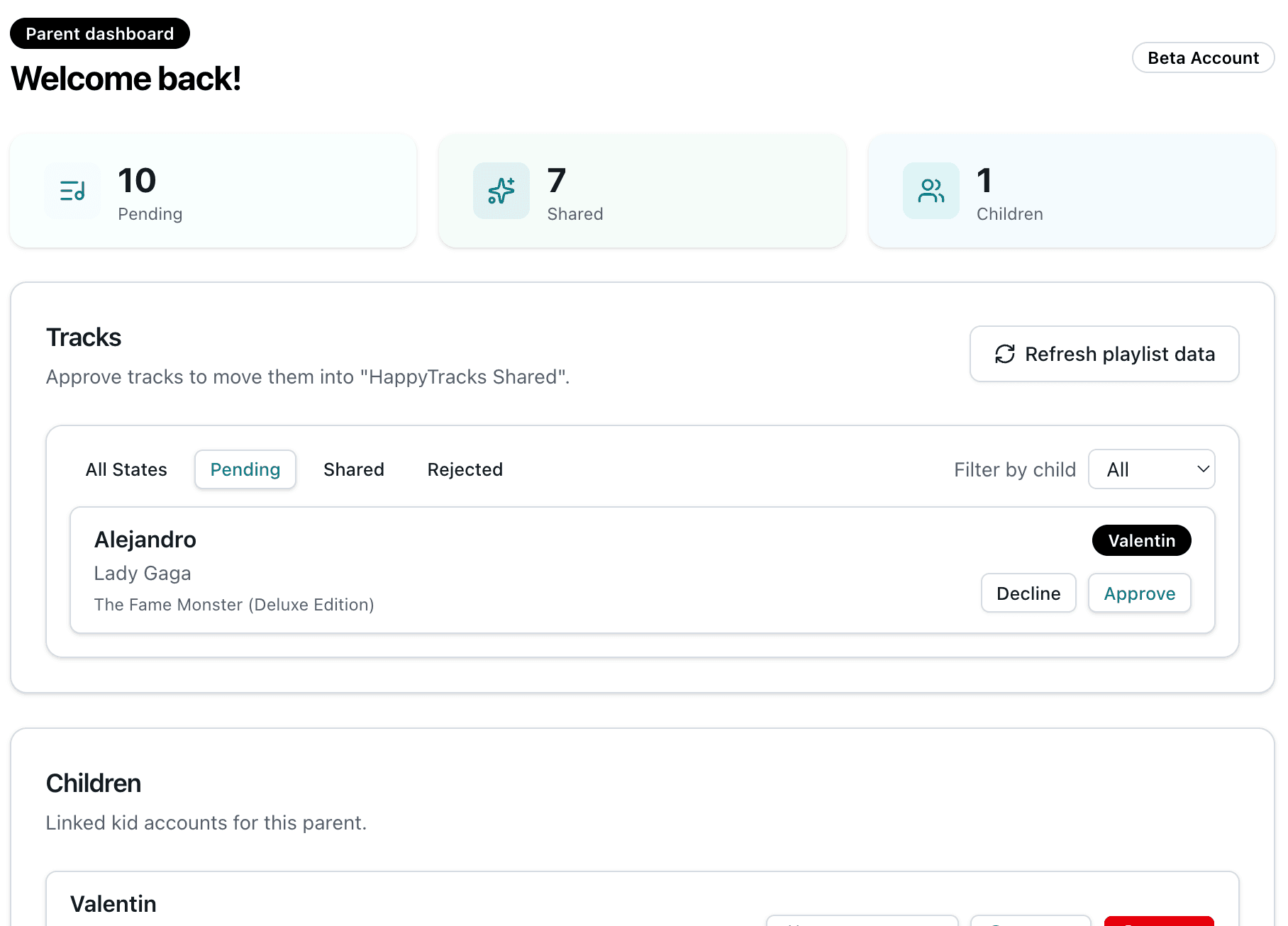
The parent dashboard shows pending, approved, and rejected tracks with child filters and search.
Approved tracks sync
Songs you approve are added to the configured Spotify playlist for your family setup.
Spotify stays the player
HappyTracks never streams, downloads, or hosts music. Listening happens in Spotify or Spotify Kids.
Track management built for quick decisions
Search by title, artist, album, child, or note. Filter the queue by status and child so you can approve the next request without losing context.
Clear boundaries, no surprises
HappyTracks is intentionally narrow: it handles request workflow and playlist updates, not playback, account replacement, or hidden content filtering.
- Authenticate parents through Spotify OAuth
- Let children request music tracks
- Show parent review queues
- Update the shared Spotify playlist after approval
- Stream or host audio
- Bypass Spotify subscriptions
- Moderate podcasts or videos
- Claim affiliation with Spotify
Public beta with limited Spotify access
Spotify currently limits production access for new apps. Families may need a manual invite while HappyTracks remains in beta.
Ready to make music requests calmer?
Connect a parent account, invite your kids, and keep the playlist decision visible.